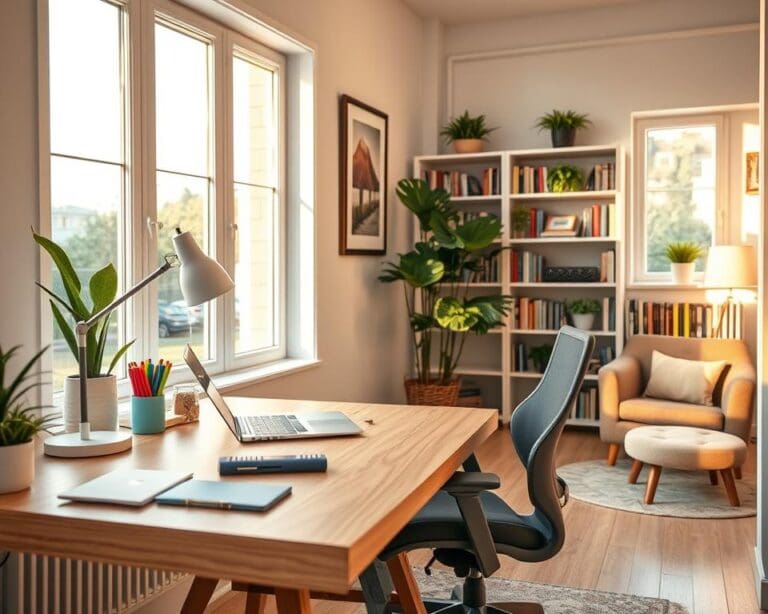
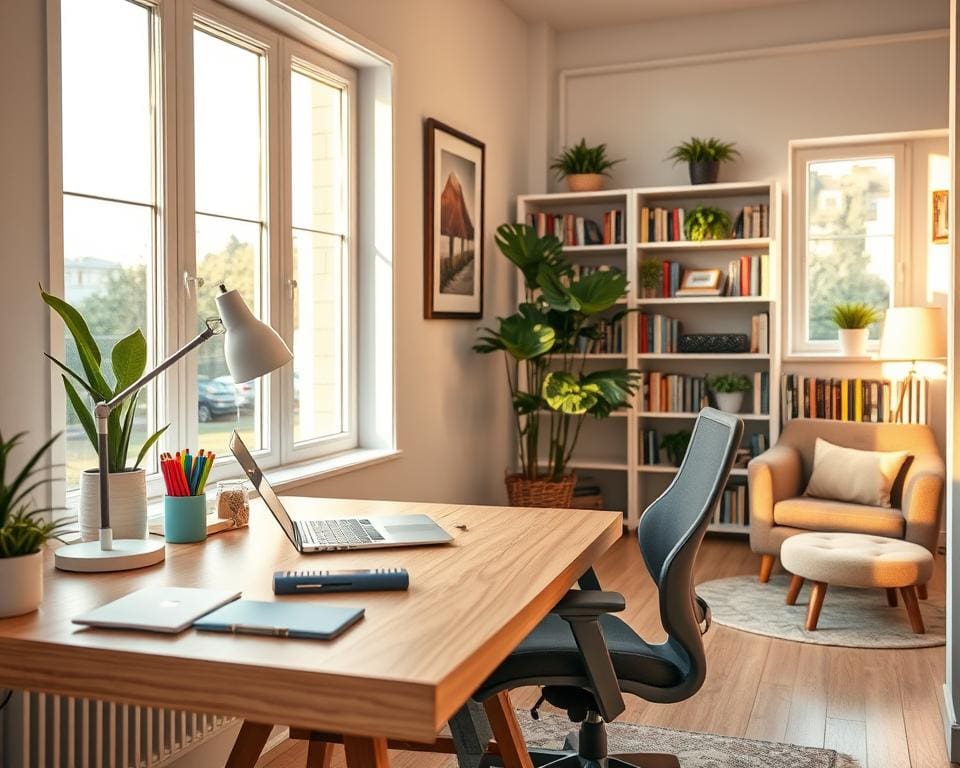
You want a home office that helps you get more done and feels calm to work in. This guide shows how to turn a room, alcove or spare corner into a productive home workspace that suits hybrid and remote workers, freelancers and small-business owners across the UK.
A well-planned home office design brings clear benefits: better focus, less fatigue, stronger work–life boundaries and improved posture. It also gives you a professional backdrop for video calls and smoother workflows that save time each day.
This article starts with layout and ergonomics, then covers storage and organisation, personalisation to boost motivation, and finally technology and useful extras. Each section builds on the last so you can plan changes step by step and create a remote work setup that lasts.
We know many UK homes mean limited space, shared rooms or tight budgets. Expect practical options for small flats, spare rooms and multipurpose spaces, plus tips that don’t cost the earth.
For trusted guidance on workstation setup, consult the Health and Safety Executive (HSE) and NHS advice on screen use and eye strain. For furniture, consider reputable retailers and brands such as IKEA, John Lewis & Partners and Herman Miller. For extra inspiration on crafting a cosy, effective workspace see this simple guide from Top Vivo: create a cosy home office.
Designing your layout for productivity and wellbeing
Create a home office layout that serves how you work and how you feel. Start with a quick audit of tasks, tools and quiet times so the space supports calls, focused writing or creative bursts.
Assessing your space and workflow needs
Measure the room, note window direction and mark sockets. Use that information to assess workspace options and avoid surprises when buying furniture.
Map daily tasks: video calls, dual monitors, note-taking or drawing. This helps you decide if you need extra surface area, visitor seating or storage for physical materials.
Think about noise and privacy. A spare room or a partitioned corner gives better concentration than a busy kitchen. For tight spaces consider wall-mounted desks or fold-away tables.
Choosing the right desk and chair for comfort
Pick an ergonomic desk that fits your setup. Aim for a seated height near 72–75 cm. For flexibility, choose an adjustable sit-stand desk if you can.
Choose an ergonomic chair UK shoppers trust, with lumbar support, seat depth adjustment and height control. Brands like Herman Miller, Steelcase, HÅG, IKEA and John Lewis & Partners cover a range of budgets.
Plan for desk width: at least 120 cm for one screen, 150–180 cm for two. Add accessories such as footrests, cushions or anti-fatigue mats to improve comfort.
Lighting strategies to reduce eye strain and lift mood
Place your desk perpendicular to windows to use natural light without glare. Fit blinds or sheer curtains to soften bright sun.
Layer lighting with an adjustable task lamp and warm overhead light. Choose desk lamps with good colour rendering and dimming options to match different tasks.
Use smart bulbs or tunable lamps to shift colour temperature across the day. Match screen brightness to ambient light and use blue-light or night modes in the evening to protect sleep.
Ergonomic tips for equipment placement
Set your monitor so the top of the screen is at or slightly below eye level and about an arm’s length away. Centre your main screen and angle a second monitor toward you.
Keep keyboard and mouse at a height that lets your forearms sit roughly parallel to the floor. Consider an external ergonomic keyboard and a vertical mouse to reduce wrist strain.
If you use a laptop, raise it on a stand and use an external keyboard and mouse. Place phone stands, document holders and cable routes to minimise repetitive reaching and to keep essential items within easy reach.
Essential storage and organisation solutions
A calm, productive home workspace starts with a simple plan for home office storage. Begin by clearing surfaces and deciding what you use every day. Small, steady habits make a big difference to how the room looks and how you feel while working.
Decluttering methods that actually stick
Use the one-in-one-out rule for stationery and consumables to keep supply levels steady. Try the Four-Box method — keep, donate, recycle, bin — when you tackle a drawer or shelf. Keep your desk clear: only leave items you use each day.
Scan important papers with apps like Adobe Scan or Microsoft Office Lens and store them securely on OneDrive or Google Drive. Schedule a seasonal deep clean and an annual review of printed files to avoid slow build-up.
Smart storage: shelves, drawers and filing systems
Choose vertical solutions to free floor space. Modular units such as IKEA Kallax or Billy work well for compact rooms, while closed cupboards create visual calm and open shelving displays items you reach for often.
Use drawer organisers, magazine files and labelled A4 flat files to keep categories clear. Keep three active folders — current, pending and archive — and use lockable cabinets for sensitive documents. For design-led modular ideas, you can read about smart storage options here.
Cable management and tech organisation
Bundle leads with Velcro ties and guide them with grommets or adhesive clips. Fit a cable tray under the desk and keep a powered surge protector with USB ports within reach. Label adapters and cables with printed tags so you can troubleshoot quickly.
Create a compact charging station for phones, tablets and accessories to stop cables from creeping over the workspace. For critical tasks consider a small UPS to keep you running during outages.
Setting up a tidy daily and weekly routine
End each day with a five-minute tidy: clear the desk, stow stationery and wipe surfaces. Make a short list for tomorrow so you start with purpose.
Each week, spend 15–30 minutes on maintenance. Sort papers, update project folders and check that storage boxes and shelves for home office use remain organised. Use a task manager such as Todoist or Microsoft To Do to keep digital and physical lists aligned.
Personalising a motivating and calm environment
To personalise home office space that boosts focus and soothes the mind, start with a few deliberate choices. A calm base tone will help you work for longer without tiring. Add small accents that reflect your taste and goals.
Colour, texture and materials that inspire focus
Choose a neutral palette—soft greys or warm beiges—for walls and large furniture to keep distractions low. Use accent hues such as muted blues, greens or terracotta to spark creativity. Colour psychology research links blue and green shades to improved concentration and reduced stress, so these tones work well in task zones.
Layer textures to add warmth without clutter. A wool rug, a linen cushion and wooden shelving create tactile comfort. Pick washable fabrics for durability and an anti-slip mat under a desk chair to protect floors and steady movement.
Incorporating plants and biophilic touches
Bring nature indoors to lift mood and reduce stress. Studies show indoor plants can improve wellbeing and air quality. Opt for easy-care plants that thrive in UK homes, such as pothos, snake plant, ZZ plant, spider plant or peace lily.
Place plants off the main work surface on stands, shelves or wall planters to avoid crowding. For low-light rooms, choose robust species or high-quality artificial foliage. Add wood finishes and stone accessories to strengthen biophilic design and tie the scheme together.
Artwork, personal items and meaningful accents
Curate a small selection of office artwork and personal objects that motivate you. Frame prints from local British artists or keep a few family photos on a shelf. Rotate pieces seasonally to keep the display fresh and prevent visual fatigue.
Use meaningful items as gentle reminders: a small timer on the desk, a tactile fidget object for brief breaks, or a framed quote at eye level. Keep displays minimal to avoid distraction while preserving personality.
Balancing creativity with a professional backdrop for calls
Designate a camera-friendly zone for client and team meetings. A neutral wall or a tidy bookcase with a few curated items reads well on-screen. Test your video call background with your conferencing app to check lighting and reflections.
Position a lamp or ring light behind the camera to ensure even face lighting. If space is multi-use, use a slim folding screen or fabric backdrop when needed. Keep personal items modest and non-controversial for client-facing views, and consider accents from Habitat, Oliver Bonas or Heal’s for a local, stylish touch.
Technology and practical extras for efficient remote work
Start with reliable broadband and a solid router. In the UK check providers such as BT, Virgin Media, Sky or Hyperoptic where available, and aim for 10–30 Mbps at minimum for a single-user household. For steadier performance, place your router centrally, use wired Ethernet when you can, or consider a mesh Wi‑Fi system like eero or Google Nest Wifi for larger homes.
Choose a computer with 8–16 GB RAM, an SSD and a modern processor, and add external monitors of 24–27 inches for comfortable multitasking. For clearer calls, invest in one of the best webcams such as Logitech C920 or Brio, and pair it with a USB microphone or a noise-cancelling headset from Jabra, Sennheiser or Bose. These remote work equipment choices improve audio-visual quality and reduce fatigue on long calls.
Protect your work with regular backups and basic cybersecurity. Use automated cloud backups like OneDrive, Google Drive or Dropbox alongside local backups on an external SSD or NAS. Secure accounts with a password manager such as 1Password or Bitwarden, enable two-factor authentication and keep firmware and software updated. For privacy in shared homes, use a privacy screen and reserve sensitive conversations for quieter spaces.
Round out your setup with practical home office extras: a compact HP or Canon all‑in‑one for occasional printing, surge-protected power strips and a small UPS if uptime matters. Tidy cables, add thick curtains or rugs to dampen noise, and consider a white-noise machine if needed. Use Pomodoro apps like Forest and calendar tools such as Google Calendar to structure your day. Stage upgrades: sort ergonomics and lighting first, add storage and tech next, then personalise. Test arrangements for a week and adjust; document what works so each iteration makes your home office tech and remote work equipment more effective.