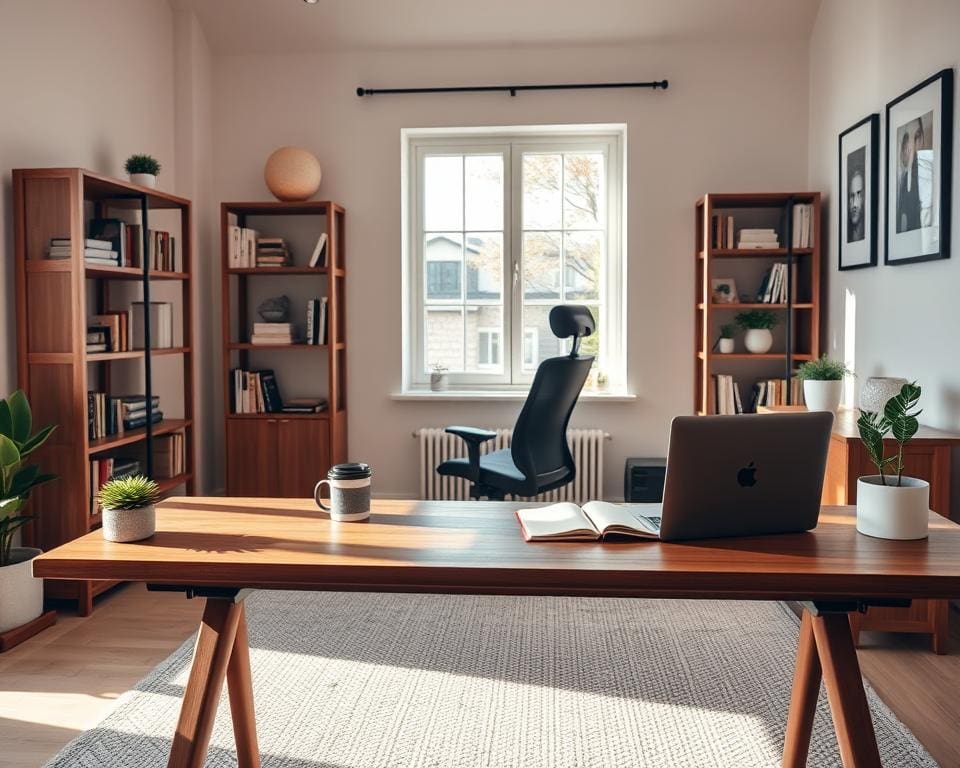
You need a home office that helps you work well, feel comfortable and separate job time from home life. A thoughtful remote work setup reduces fatigue, improves posture and keeps you focused. It also makes hybrid working days easier when you split time between the office and your flat or terraced house.
This short guide will help you pick the best spot for your home workspace, choose ergonomic furniture, manage lighting and storage, and select reliable tech and connectivity. You will get clear, practical home office ideas that suit UK realities such as variable daylight and common broadband types like FTTP and legacy FTTC lines.
By reading on, you will learn how to choose the right corner or spare room, which chairs and desks support good posture, the networking essentials for a stable remote work setup, and simple wellbeing and styling tips for a work from home office that feels professional and personal.
This article is for remote employees, freelancers and small‑business owners across the United Kingdom who want a productive home workspace without overspending. Later sections cover location and layout, ergonomics and storage, tech and connectivity, and comfort and style in more detail.
Designing a productive home office space
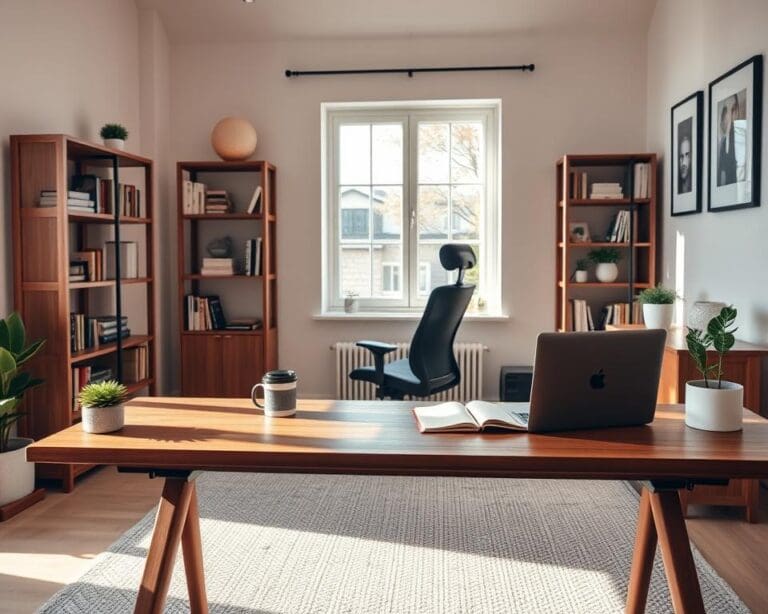
Choosing the right location in your home makes a big difference to focus and comfort. Assess light, noise and footfall at different times to find the best place for home office use. Measure natural light in the morning, midday and late afternoon. Note noisy spots near kitchens, front doors or busy streets. Watch family or flatmate traffic to avoid interruptions. If you can, pick a quieter room such as a spare bedroom or a converted attic for a true quiet workspace.
Weigh up a dedicated office room against a home office nook. A dedicated office room gives privacy, storage and clearer separation of work and life. A home office nook saves space and can feel cosy, but may need soundproofing or visual separation like room dividers or open shelving ideas. In small homes, convert a wardrobe into an office pod or use under‑stair space for a compact setup.
Ergonomic furniture and layout
Start with an ergonomic office chair and a reliable sit‑stand desk to support long hours. Consider Herman Miller Aeron or Steelcase Series 1 for premium comfort. Budget options include IKEA MARKUS or John Lewis chairs. For desks, look at IKEA Bekant or fully electric sit‑stand options from Autonomous for frequent standing.
Place your monitor so the top is at or slightly below eye level and about 50–70 cm from your eyes. Correct monitor height prevents neck strain. Keep keyboard and mouse at elbow height with wrists neutral for correct posture for desk work. Use a monitor arm such as Ergotron for easy adjustment and simple cable trays or adhesive clips for neat cable management.
Arrange the layout to allow movement and reach. Keep frequently used items within arm’s reach. Set secondary screens to the side and at the same height to avoid twisting. Position the primary monitor centrally for multi‑screen setups. Use an anti‑fatigue mat for standing desks and choose a chair mat suited to carpet or hard floors.
Lighting and colour choices to boost focus
Optimise natural light by noting window orientation and seasonal changes in the UK. Use south or west windows for afternoon light but add blinds to reduce glare on screens. Sheer curtains can soften bright sun while preserving daylight. Natural light optimisation supports mood and circadian rhythms in darker months.
For artificial light, adopt layered home office lighting: ambient ceiling lights, task lighting and accent fittings. Choose an adjustable desk lamp with CRI 90+ and around 4000K neutral white for true colour and less eye strain. LED lamps from Anglepoise and FLOALT panels from IKEA offer reliable options. Dimmable fittings help match light to time of day.
Pick colour schemes for concentration that promote calm and clarity. Soft blues and greens help focus, warm neutrals add comfort, and small accents in mustard or teal lift mood. Use matt office paint colours to reduce reflection and glare on screens.
Storage and clutter control
Smart home office storage keeps your workspace functional and tidy. Combine open shelving for everyday items with closed cabinets for confidential paperwork. Choose lateral filing systems for A4 documents and modular units such as IKEA Kallax or Alex drawers. In the UK, Homebase and B&Q offer affordable modular alternatives.
Move towards paperless where practical by scanning documents with apps like Microsoft Office Lens or Adobe Scan. Use OneDrive or Google Drive for secure cloud storage. Keep a small in‑desk shredder and a locked filing cabinet for sensitive items you must keep in hard copy.
Adopt simple organisation strategies to prevent clutter: labelled boxes, drawer organisers and cable organisers. Set a weekly tidy ritual to keep surfaces clear. For a minimalist workspace that still feels personal, limit decorations to one photograph or a plant and use foldaway solutions or storage ottomans to hide equipment when guests arrive.
home office tech, tools and connectivity for remote work
Equip your workspace with reliable home office hardware to keep projects moving. Choose the best laptop for remote work that matches your needs: ultraportables such as the MacBook Air M2 or Dell XPS 13 for mobility, performance laptops like the MacBook Pro or Lenovo ThinkPad for editing and heavy multitasking, or a desktop for sustained power. Pair your machine with monitor recommendations in the 24–27″ IPS range from Dell UltraSharp, LG or BenQ for crisp text and accurate colour. Use a docking station UK model from CalDigit, Dell or Anker to simplify connections for dual monitors, Ethernet and power.
Pick peripherals that reduce friction. Mechanical or low‑profile keyboards such as Keychron or Logitech MX Keys and an ergonomic mouse like the Logitech MX Master improve comfort. For clear calls use noise‑cancelling headsets from Sony or Bose, or a dedicated microphone like the Blue Yeti or Rode NT‑USB if you create content. For reliable power, fit a UPS for home office equipment to protect desktops, routers and NAS units during outages.
Internet matters more than ever. When choosing home office broadband in the UK, prioritise FTTP where available and check upload speeds for video calls; aim for 10–20 Mbps upload as a minimum. For large or multi‑storey homes a mesh Wi‑Fi UK system such as Netgear Orbi, Google Nest Wi‑Fi or TP‑Link Deco can extend coverage. Where possible use wired ethernet to avoid latency and packet loss during screen sharing and real‑time collaboration.
Keep connectivity resilient. Use a Gigabit wired Ethernet connection for your main workstation and reserve Wi‑Fi for mobile devices. Add a small UPS for the router and switch, and keep a 4G/5G hotspot from EE or Vodafone as backup for critical meetings. Configure Quality of Service on your router to prioritise video and voice traffic so collaboration remains smooth when others use the network.
Streamline your workflow with proven software. Choose collaboration tools like Microsoft 365 with Teams, Google Workspace with Meet, Slack or Zoom depending on your organisation. Match productivity apps such as Trello, Asana or Notion to your task flow and add Toggl for time tracking. Protect work with cloud backup services like OneDrive, Google Drive or Dropbox and keep a local copy on an external SSD or NAS from Synology for redundancy.
Defend your setup with sensible security. Deploy endpoint protection from Bitdefender or Norton, enable two‑factor authentication with Authy or Google Authenticator, and use a reputable VPN if required. Follow employer policies on data handling and GDPR, use encrypted storage when needed and set automated cloud backup schedules to avoid accidental data loss.
Optimise remote meeting habits and gear for a professional impression. Aim your camera at eye level, frame from chest up and choose a tidy or branded background; use a professional video background only if lighting and camera quality allow. For crisp audio for conference calls, position a USB microphone or headset close to your mouth and use headphones to prevent echo. Test the full video call setup before important meetings and mute when not speaking.
Adopt clear remote meeting etiquette to keep sessions effective. Share brief agendas, start on time, record only with consent and follow up with concise notes. Communicate household boundaries to reduce interruptions and use status indicators in collaboration tools so colleagues know when you are available.
For detailed hardware options and further setup guidance see this practical guide on what hardware supports remote collaboration: home office collaboration hardware.
Comfort, style and wellbeing in your home office
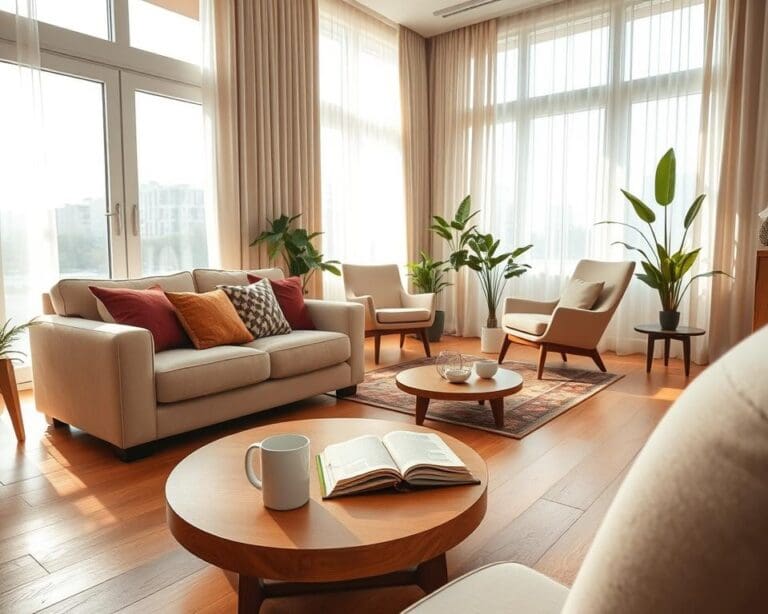
Make your home office wellbeing a priority by creating a space that feels both productive and restful. Start with a neutral base—soft greys, warm whites or muted greens—and add small, changeable accents like cushions or a framed botanical print. Keep personal items minimal and work‑appropriate: one photograph, a certificate or a small memento can make the space yours without becoming a distraction.
Layer textiles and introduce office plants to lift mood and improve acoustics. A rug and heavy curtains soften sound, while cushions and throws add warmth. Choose low‑maintenance plants suited to UK homes such as snake plant, spider plant or pothos to boost air quality and calm. For local character, consider prints from British artists or simple botanical frames and link them to practical styling ideas like those on how to create a cosy home.
Protect your posture and energy with ergonomic breaks and movement. Alternate sitting and standing—aim for a gradual 50–50 split—and use tools like an Apple Watch or Fitbit for movement reminders. Practice the 20‑20‑20 rule for eye care and set short microbreaks and longer exercise breaks. When deciding what to buy, prioritise a quality chair, monitor and reliable broadband; try second‑hand desks or upcycled furniture from Gumtree or Facebook Marketplace for looks that won’t break the bank.
Finally, reinforce work–life boundaries with clear routines and defined zones. Signal work mode with simple cues—a closed door or a desk lamp on—block time in your calendar, and store equipment out of sight when you finish. Check whether your employer offers occupational health support or equipment subsidies via HR to help maintain long‑term wellbeing and prevent burnout.