This short smart home guide UK helps you work out which devices deliver real value for security, convenience and comfort in British homes.
Smart home devices can boost security with real‑time alerts and remote monitoring from products such as Ring and Arlo, cut energy use through smart thermostats like Nest and Ecobee, and add convenience via Philips Hue lighting and voice control from Amazon Echo or Google Nest Hub.
You should also consider accessibility benefits for older or disabled household members and the potential uplift to property appeal when you pick the best smart home devices for your needs.
Common concerns include device compatibility across Apple HomeKit, Google Home and Amazon ecosystems, privacy and data security, upfront cost versus long‑term savings, subscription fees, and network reliability.
Brands frequently seen in UK reviews and homes include Amazon, Google, Apple, Philips, Hive, Yale, Bosch, Honeywell and Ecobee; knowing the ecosystem you prefer makes it easier when you buy smart home gadgets.
This article will cover core categories and how to choose, smart security and safety devices, home convenience and comfort options, and value and long‑term considerations like warranties and software updates.
For practical tips on setting up and using devices efficiently, see this short guide on getting the most from your system: smart home essentials.
smart home devices: core categories and how to choose
Choosing the right devices starts with understanding how they work together. A smart home ecosystem is a family of devices and services that operate under one platform, such as Amazon Alexa, Google Assistant, Apple HomeKit or Samsung SmartThings. Picking an ecosystem early will save you time and reduce device compatibility headaches as your system grows.
Understanding ecosystems and compatibility
Alexa supports a huge range of third‑party devices and low‑cost Echo speakers for voice control. Google Assistant excels with search, Nest integrations and strong answers for everyday queries. HomeKit puts a premium on privacy and encryption but has fewer certified products. SmartThings works with many protocols and device types for broad support.
Cross‑platform options matter if you want flexibility. Many hubs and bridges support Zigbee, Z‑Wave or Thread, or can link devices via IFTTT, HomeBridge or manufacturer bridges such as the Philips Hue Bridge. Check official device compatibility lists before you buy.
Assessing your needs and budget
Decide what you want first: security (cameras, smart locks), energy savings (thermostat, smart plugs, smart lighting), accessibility and automation (voice assistants, motion sensors) or pure convenience (robot vacuums, smart kitchen appliances). Focus on one room or one function at a time to avoid overspending.
Structure your smart home budget into tiers. Starter picks include smart plugs, a basic smart bulb and an affordable smart speaker. Mid‑range buys might be a Nest or Hive thermostat, a Philips Hue starter kit and a Ring doorbell. Premium purchases cover HomeKit‑native devices, professionally installed alarms and multi‑camera setups with cloud subscriptions.
Connectivity and network considerations
Understand the common protocols. Wi‑Fi is easy to set up but can overload home routers. Bluetooth is fine for short‑range device‑to‑device links. Zigbee and Z‑Wave create mesh networks that use less power and usually need a hub. Thread is an emerging standard that powers Matter‑ready devices.
Consider Wi‑Fi vs Zigbee when planning devices. Use a dedicated SSID for smart devices or set up a guest VLAN if your router supports it. A mesh Wi‑Fi system often fixes dead spots better than a single router. Check for Matter support to boost future interoperability across platforms.
Privacy and security basics
Smart home privacy starts with strong, unique passwords and two‑factor authentication on accounts such as Amazon, Google and Ring. Keep firmware updated and review manufacturers’ update policies before buying.
Think about camera placement to respect your neighbours and family. Disable unnecessary cloud features when local storage like microSD or a Network Video Recorder is available. Limit admin accounts, label devices clearly in apps and put IoT gadgets on a separate network for extra safety.
- Label devices in the app for clarity.
- Read user reviews to learn about real‑world reliability.
- Limit admin access and enable 2FA on major accounts.
- Prefer devices with local storage or clear update policies.
Smart security and safety devices worth investing in
Security and life‑safety devices tend to give the fastest and most tangible return on investment because they protect people and property. When you prioritise safety, pick products that offer clear alerts, reliable communications and sensible fail‑safes.
Smart doorbells and video cameras
You should look for two‑way audio, motion and person detection, package alerts and night vision. Models such as the smart doorbell Ring, Nest Doorbell and Arlo Pro/Ultra deliver cloud storage options and advanced detection rules. Eufy and some Arlo cameras provide local storage via microSD or NVR if you prefer to avoid subscriptions.
Decide between wired units for stable power and continuous recording or battery models for easy installation if you rent. Wired devices often support continuous video recording. Battery devices suit renters and homes where running cables is impractical.
Be mindful of privacy and legal issues in the UK. Try to avoid filming public areas or neighbours’ property and consider signage if cameras are visible.
Smart locks and access control
Smart locks give remote locking and unlocking, guest codes, timed access and auto‑lock. Many still include a physical key as backup. Brands to consider include smart locks Yale lines such as Yale Conexis and Yale Linus, Nuki and Danalock. August products are available but less common in the UK.
Confirm encryption standards and whether the lock offers offline fallback. Avoid relying solely on an unpredictable Wi‑Fi connection. Check if professional installation or certification is needed to qualify for insurance discounts.
Smart smoke, CO and water leak detectors
Interconnected alarms improve safety by alerting you remotely and triggering automations, for example shutting down the boiler. Trusted options include Nest Protect for combined smoke and CO, First Alert/BRK ranges that are available in the UK and Honeywell X‑series. For water sensing, look at dedicated sensors such as the Fibaro Flood Sensor.
Choose mains‑powered devices with battery backup where possible for the best reliability. Test alarms regularly and replace sensors as manufacturers recommend, typically every seven to ten years.
Alarm systems and professional monitoring options
You can choose DIY kits such as Yale Smart Alarm or Ring Alarm for lower ongoing costs and flexible setup. Professionally installed monitored alarm systems UK providers include Verisure and ADT for 24/7 response and often quicker police liaison.
DIY systems save on monthly fees and offer easy integration with cameras, locks and voice assistants. Professional monitoring may meet insurer requirements but brings subscription costs. Compare local storage and cloud plans to balance cost against the value of round‑the‑clock monitoring.
- Check interoperability so your smart security devices work together.
- Compare subscription trade‑offs and local storage options.
- Prioritise products that meet your insurer’s standards if you seek discounts.
Home convenience and comfort devices to consider
Smart devices can cut chores, save energy and make your home feel more comfortable. Think of these gadgets as tools that speed up routine tasks, help you control heating and lighting, and free up time for things that matter.
Smart speakers and displays
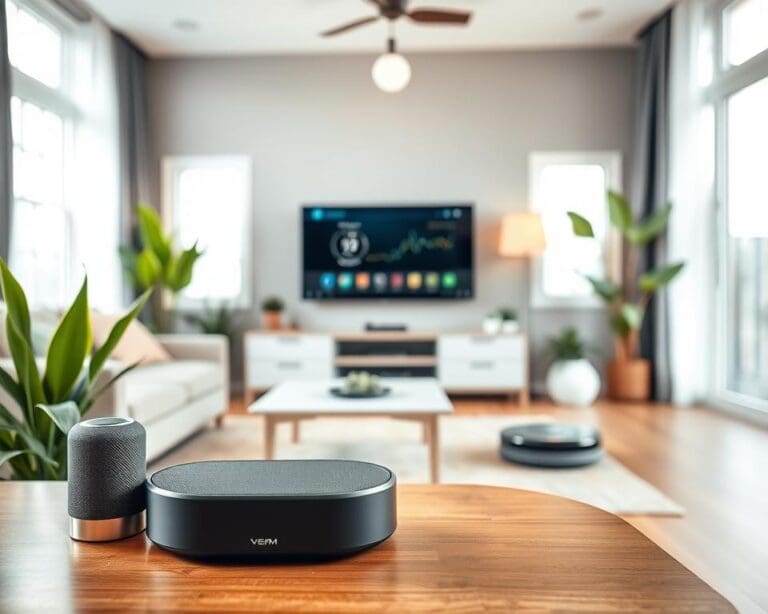
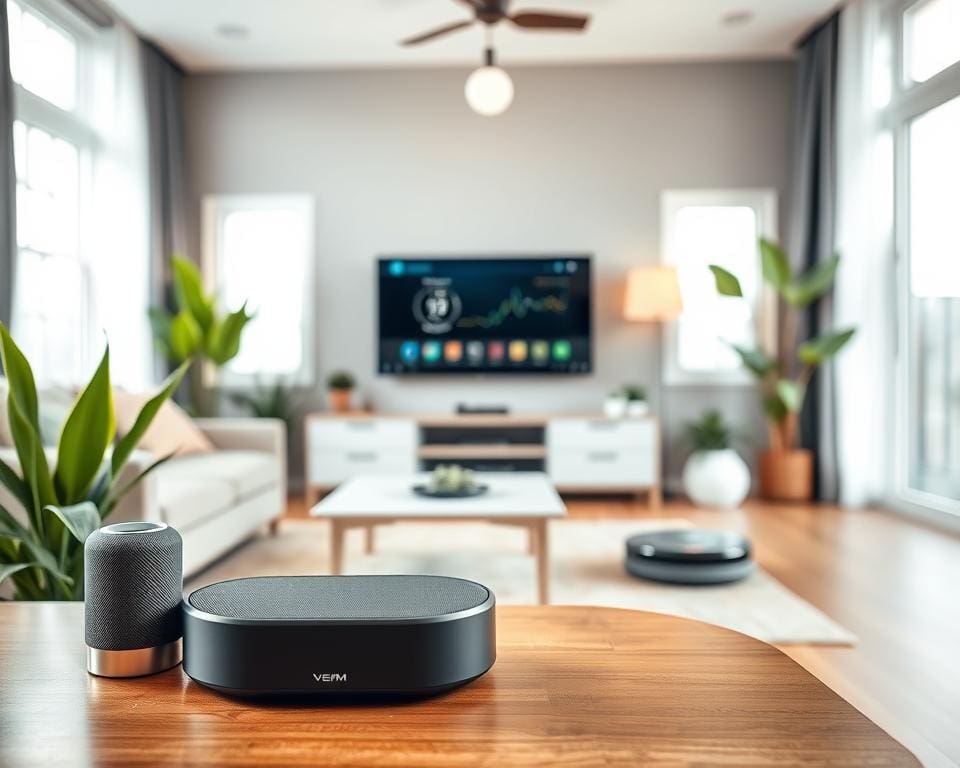
A smart speaker or display acts as the voice‑controlled hub for many homes. You can ask for music, set routines, make video calls on a display, or control other devices with your voice.
Popular choices include the Amazon Echo range for broad skill support, Google Nest Audio and Nest Hub for tight Google integration, and the Apple HomePod Mini for privacy and HomeKit users. Placement matters: put at least one in an open area for reliable voice pickup and add units for multi‑room audio.
Smart thermostats and heating controls
A smart thermostat learns schedules, lets you control heating remotely and uses geofencing to save energy when you are out. In the UK, a Nest thermostat UK model, Hive and Tado are common choices, with Honeywell Home models available for many boiler types.
Smart radiator valves, such as Tado or Honeywell Evohome, work well for zoned control in older homes with multiple radiators. Check compatibility with your boiler before buying and consider professional installation if wiring is unfamiliar.
Your heating bill may fall when you combine a smart thermostat with a smart meter. Look into government energy advice and local incentives that support smart heating controls.
Smart lighting and switches
Smart bulbs, dimmer switches and motion sensors let you create scenes, set schedules and simulate presence when you are away. Colour bulbs work for mood lighting; tunable white bulbs support circadian routines.
Philips Hue lighting offers a robust bridge‑based ecosystem with wide third‑party support. LIFX bulbs work directly on Wi‑Fi if you prefer no hub. If you want whole‑fixture control, smart switches need wiring work but give reliable control for all bulbs on a circuit.
Robot vacuums and connected appliances
A robot vacuum Roomba or models from Roborock and Eufy can save hours each week. Look for mapping, zoned cleaning and app scheduling. Note that filters and brushes need regular maintenance and deep‑pile carpets reduce performance.
Connected appliances include smart ovens, washing machines and fridges from Samsung, Bosch and others. They offer remote monitoring, recipe features and status alerts. Weigh convenience against the price premium before upgrading.
For many households, pairing a smart speaker Echo with a mid‑range robot vacuum yields the most noticeable gains in daily life. Add a Nest thermostat UK or smart radiator valves if your priority is lower heating costs and finer temperature control. Connected appliances extend convenience, but start with devices that save time first.
Value and long‑term considerations when buying smart devices
When you plan a smart home, think beyond the box. Assess smart home value by weighing purchase price against ongoing subscription costs, expected smart device longevity and the support record of the maker. Firms such as Google, Amazon and Apple generally offer longer firmware updates and clearer device warranties, while smaller manufacturers may drop cloud services or abandon patches, leaving hardware underused.
Factor total cost of ownership into every decision. A cheap camera that requires a monthly cloud plan can cost more over three years than a costlier model with local storage. Include subscription costs, replacement batteries, professional installation and likely upgrade cycles when comparing products. Check whether advanced functions need ongoing fees before you buy.
Prioritise compatibility and future‑proofing. Choose devices that support open standards such as Matter, Thread or Zigbee and that work with the ecosystem you already use. Matter adoption will ease cross‑brand integration and improve resale value. Also verify how easily devices can be factory‑reset and transferred, since some remain tied to manufacturer accounts and complicate ownership change.
Consider insurance, regulation and sustainability. Ask your insurer about discounts for monitored alarms and confirm any certification requirements. Landlords should review tenancy agreements and data protection duties before installing cameras or smart locks. Opt for energy‑efficient models, reuse hubs when possible and recycle old devices and batteries responsibly. Use a simple checklist: define your primary goal, pick an ecosystem, check compatibility with your wiring or router, compare subscriptions and local storage, read update histories, and start small.